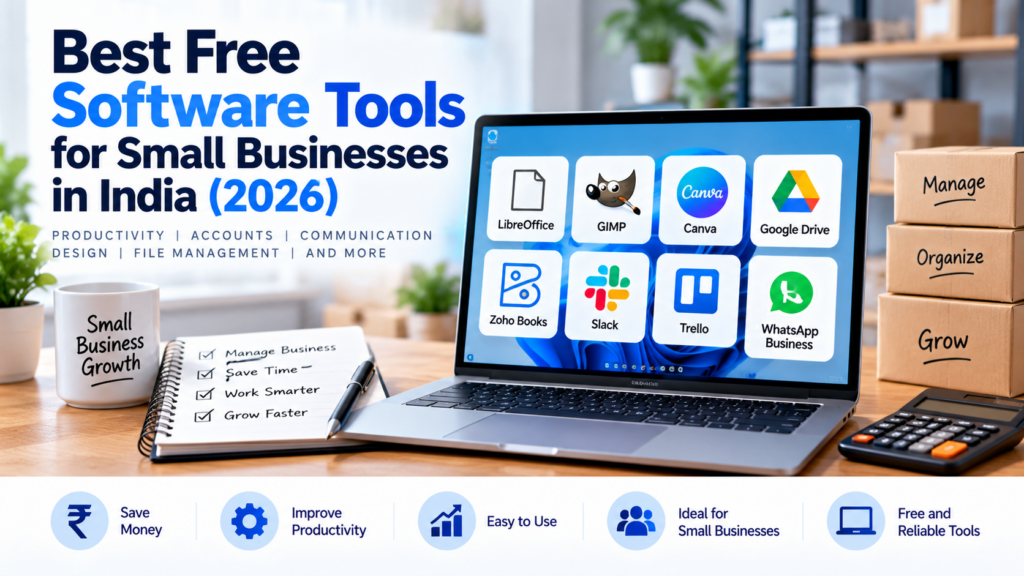
Running a small business involves managing customers, preparing documents, tracking tasks and communicating with employees. The right software can make these activities easier without increasing your expenses.
In this guide, we’ll explore useful free software tools for small businesses in India and explain what each tool can help you accomplish.
1. Google Docs and Google Sheets
Google Docs helps you create documents, while Google Sheets helps you manage spreadsheets, calculations and simple business records.
Best for:
- Preparing quotations and business documents
- Maintaining customer lists
- Tracking expenses and payments
- Sharing information with team members
These tools are useful for businesses that need basic document and spreadsheet functionality.
Official website: https://workspace.google.com/
2. Trello
Trello uses boards, lists and cards to organise tasks. You can create tasks for sales follow-ups, customer enquiries, content planning and other business activities.
Best for:
- Organising daily work
- Tracking pending tasks
- Planning projects
- Managing a content calendar
Check the current free-plan limits before deciding whether it meets your needs.
Official website: https://trello.com/
3. Canva
Canva is a design platform that helps you create posters, presentations, social media graphics and other visual materials.
Best for:
- Creating promotional posters
- Designing social media posts
- Preparing simple presentations
- Creating basic marketing materials
Some features and design assets require a paid subscription.
Official website: https://www.canva.com/
4. Bitwarden
Bitwarden is a password manager that helps you store and organise login credentials.
Best for:
- Managing website passwords
- Using unique passwords for different accounts
- Sharing access securely where supported
- Organising credentials for business tools
Choose an appropriate plan and enable multifactor authentication where available.
Official website: https://bitwarden.com/
5. Zoho Invoice and Other Zoho Tools
Zoho offers business applications for tasks such as invoicing, customer management and accounting. Availability and pricing vary by product and region.
Before choosing an invoicing or accounting application, check whether its features suit your business, including your tax and reporting requirements.
Best for:
- Preparing invoices
- Organising customer information
- Exploring business management tools
Official website: https://www.zoho.com/
How to Choose the Right Software
Before installing a new tool, ask yourself these questions:
- Does it solve a real problem in my business?
- Is the free plan sufficient?
- Can my employees learn to use it easily?
- Does it protect business information appropriately?
- Can I export my data if I change applications later?
Avoid installing too many tools at once. Start with one or two, learn how they work, and expand when necessary.
Final Thoughts
Free software can help small businesses organise everyday activities, improve communication and reduce unnecessary manual work.
The best tool depends on your business requirements. Review the current features, limitations, privacy terms and pricing before choosing a product.
Disclosure: TechPathGuide may earn a commission if you purchase through certain affiliate links, at no additional cost to you. We aim to recommend products based on usefulness and suitability..